The Complete Beginner's Guide to Building Your First Custom Mechanical Keyboard
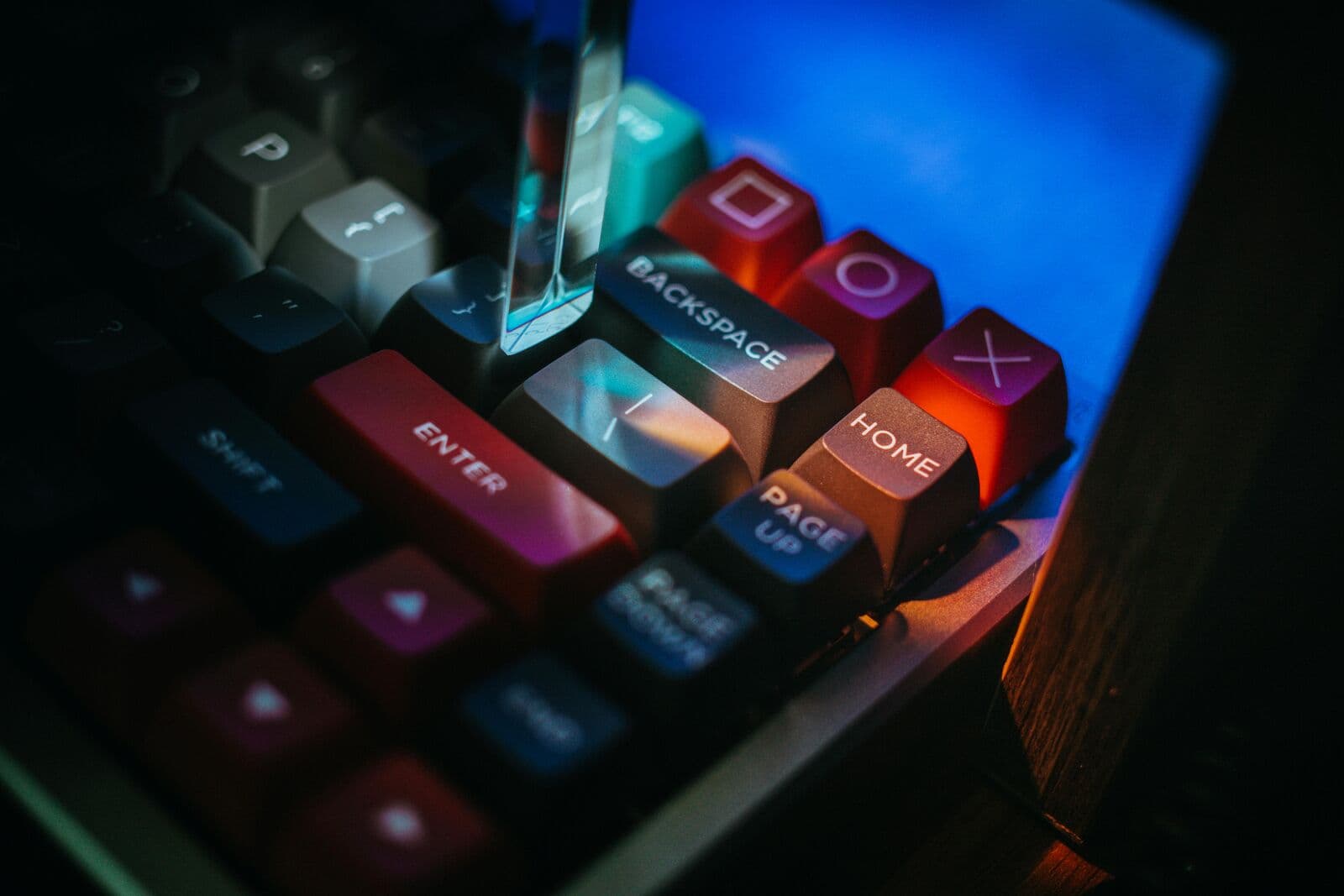
Building a custom keyboard is a rite of passage for enthusiasts. It’s a process that rewards patience and attention to detail. Follow this structured roadmap to ensure your first build is a success.
Gathering Your Arsenal
Preparation is 90% of the work. You don't want to be halfway through a build and realize you're missing a specific driver.
Essential Tools:
- Precision Screwdriver (PH0, PH1)
- Non-conductive Tweezers
- Switch Puller & Keycap Puller
- Lubricant (Krytox 205g0) & Brush
The Golden Rule: Always test your PCB before you start building. Plug it in and use tweezers to trigger every socket. It’s much easier to return a defective PCB before it’s full of switches.
The Foundation: Stabilizers
Stabilizers are the most common cause of a "bad sounding" keyboard. Tuning them is non-negotiable for a premium build.
The Process: Apply a thin layer of lube to the inner housing and a thicker layer (or dielectric grease) to the wire ends. This eliminates the "rattle" and "tick" that plagues cheaper keyboards.
Installing the Switches
If you have a Hot-Swap PCB, align the pins carefully and press straight down. If the switch doesn't go in with moderate force, stop! You likely have a bent pin.
Expert Tip: When installing switches on a hot-swap board, place the PCB on a hard surface or support the socket from behind with your finger. This prevents the socket from being ripped off the PCB.
Final Assembly
Once the switches are in, screw the assembly into your case, add your keycaps, and perform one final typing test. Welcome to the world of custom mechanical keyboards!
Was this guide helpful?
We're building the most comprehensive database for mechanical keyboard enthusiasts. Explore our products to find the gear mentioned in this guide.