The Ultimate Switch Guide: Linear vs Tactile vs Clicky
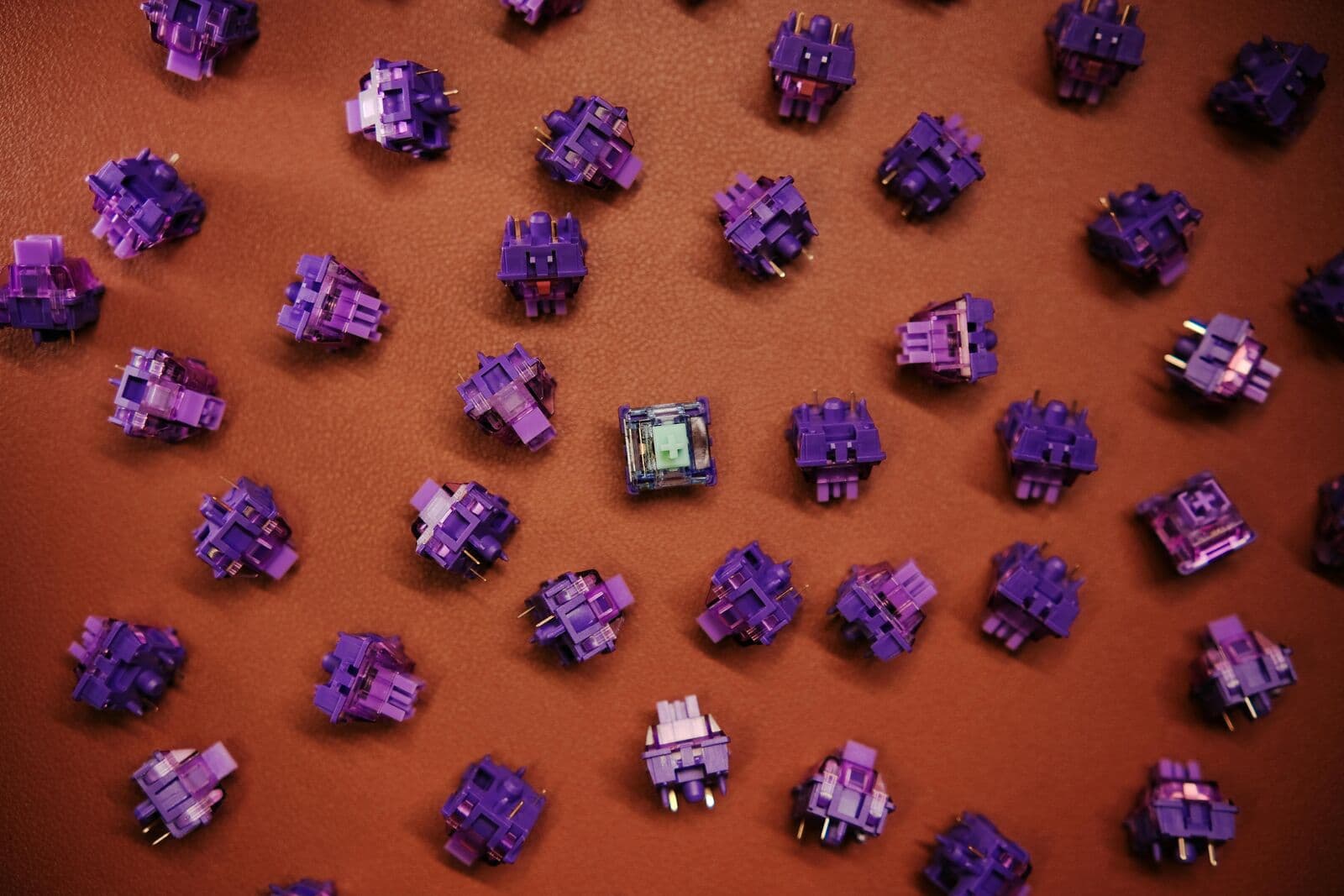
If the PCB is the brain of the keyboard, the switches are its soul. The way a key feels, sounds, and reacts to your touch is determined entirely by the small mechanical housing beneath the keycap.
The Three Pillars of Switches
Almost every mechanical switch on the market falls into one of these three categories. Understanding the "force curve" of each is key to finding your preference.
Linear
Smooth and consistent from top to bottom. No bump, no click.
Ideal for: Fast-paced Gaming
Tactile
Features a physical "bump" at the actuation point. You feel when the key registers.
Ideal for: Typing & Coding
Clicky
A tactile bump accompanied by a sharp audible "click" sound.
Ideal for: Typists who love noise
Warning: Clicky switches (like Cherry MX Blues) are often banned in shared office spaces because of their high-pitched noise. Consider your environment before buying!
Technical Specs Explained
- Actuation Force: Measured in grams (g). Higher numbers mean a "heavier" switch that requires more finger strength.
- Bottom-out Force: The weight required to press the key all the way down.
- Pre-travel: The distance the key moves before the signal is sent to your PC.
Pro Tip: If you have "heavy hands" and find yourself making typos, try a switch with a 60g+ actuation force to prevent accidental presses.
Was this guide helpful?
We're building the most comprehensive database for mechanical keyboard enthusiasts. Explore our products to find the gear mentioned in this guide.